- Getting started
- Usage
- Live score and event notifications
- Premium
- Setup premium
- Setup prediction game
- Automations
- Contact
- Support server
Automations
With automations you can automate commands you would normally use by physically typing them. Use these to add an extra dimension to your Discord football server.
Where can you find the automations?
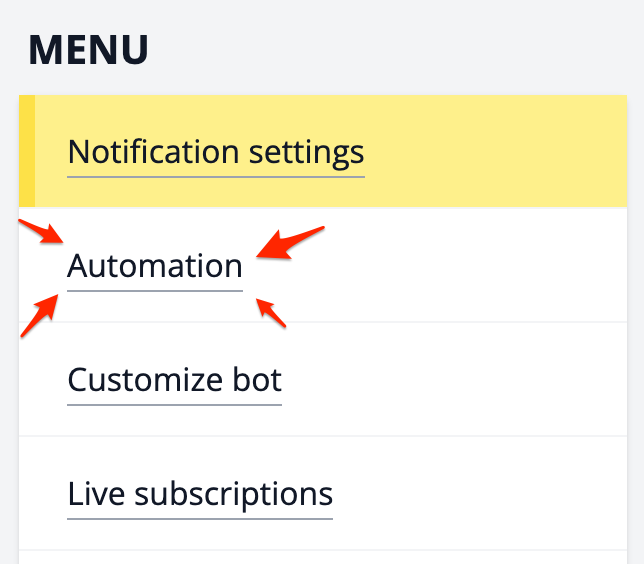
Automations are available via the Football Nation Premium Dashboard. Click on the link in the menu.
How to setup an automation?
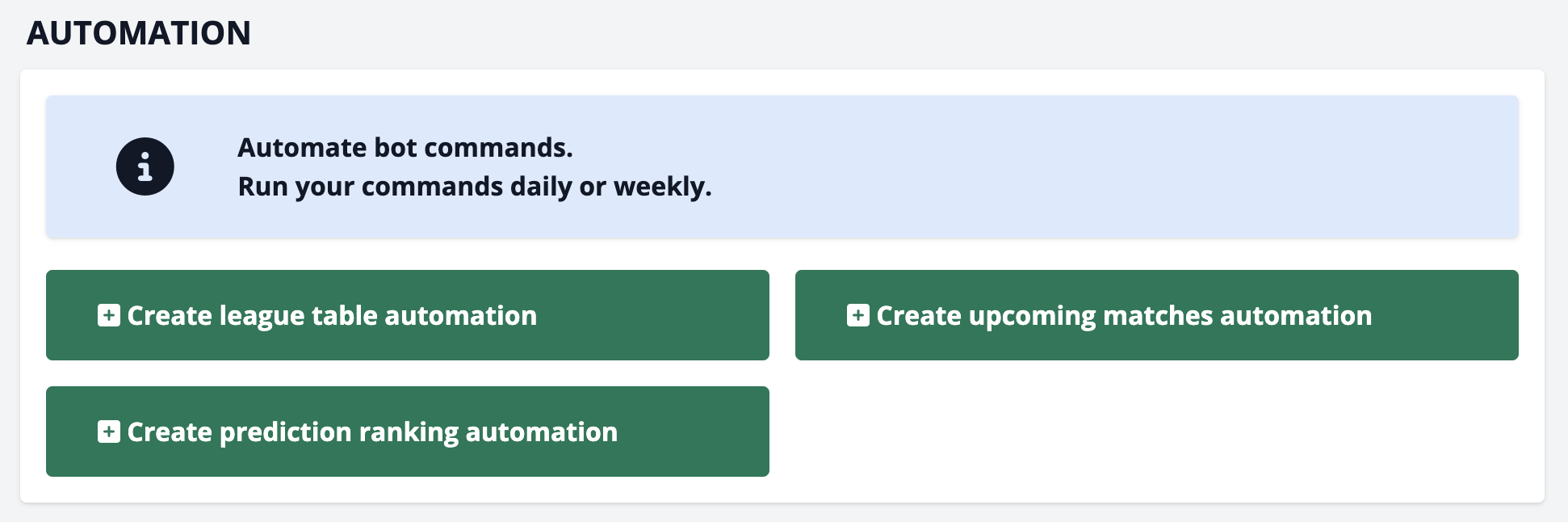
You begin by choosing one of the available automations on the page. You can choose one from the currently 3 options: "League table", "Upcoming matches" and "Prediction ranking". We will use a league table automation as an example.
You will see the view below, in the example we already filled in some values. We will show a Premier League table every day at 21:00 UTC time. Click "Create automation" and your are done.
If you live in a timezone that uses daylight saving time, you will need to adjust the time accordingly in the "Timezone" settings.

How will the automations show up like in the Discord channel?
The "League table" automation will be shown in the custom styling of your choice. With your own icon, if you set one. Here is an example with the Premium Football Nation icon.
